

SPICE and VNC
Both consoles open in remote-viewer, whose path is set once in Settings → Launchers → Viewer path,
see Getting started. They show the guest’s screen as
the Proxmox VE console does, from boot onwards, so they work before the guest OS has a network or while it
is broken.
Which one
Section titled “Which one”| SPICE | VNC | |
|---|---|---|
| Offered for | Running VMs with a SPICE display; running containers | Every running VM and container |
| Needs | VM.Console; for VMs, display (VGA) set to SPICE |
VM.Console |
| Network | Client → SPICE proxy on port 3128 | Client → API port (8006) only |
| Extras | Audio, USB redirection, clipboard, folder sharing, several monitors (with the SPICE guest tools) | Screen, keyboard and mouse |
SPICE is the better desktop experience; VNC is the one that works without SPICE on the VM. Either can be turned off in Settings → Launchers → Protocols, for all clusters: a turned-off protocol disappears from the Connect menu.
A VM offers SPICE when Proxmox VE reports it running with a SPICE display: Hardware → Display set to
SPICE (qxl, qxl2, qxl3, qxl4) or VirtIO-GPU (virtio, virtio-gl) in the Proxmox VE web interface. A stopped VM with that display stays
in the list so it can be started. For containers Proxmox VE provides the SPICE console of the container’s
terminal.
What SPICE adds over VNC depends on the VM configuration and on the SPICE guest tools inside it.
SPICE proxy and Viewer extra options are per cluster; see How it connects and Settings.
VNC works on running guests with or without a SPICE display: it is the same console the Proxmox VE web interface opens with noVNC. cv4pve-vdi tunnels it through the API port, so no port besides 8006 has to be reachable. See How it connects.
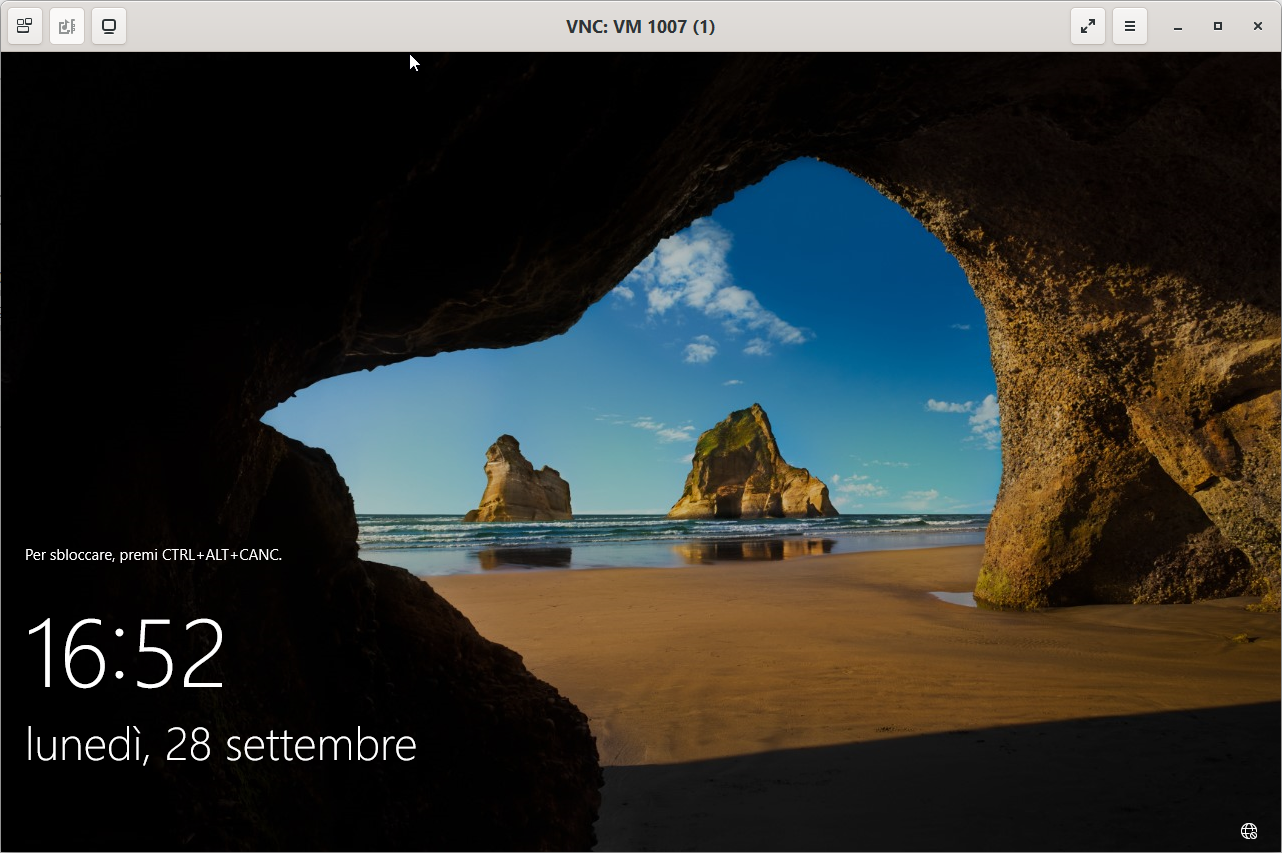
The viewer window is titled VNC: VM <vmid> or VNC: CT <vmid>:
When a console does not open
Section titled “When a console does not open”- No SPICE or VNC entry in the Connect menu: the account lacks
VM.Console, the guest is not running, the protocol is off in Settings → Launchers, or, for SPICE, the VM’s display is not SPICE. - An error when clicking: the message returned by Proxmox VE appears in a notification at the bottom right of the window.
- More in Troubleshooting.